
·Published by Syed Abdullah Shah·5 min read
Free Instagram Story Downloader: Save HD Stories Without Watermark
Instagram Stories allow creators, businesses, and influencers to publish transient moments that expire after 24 hours. While Instagram allows users to bookmark posts internally, it offers no native me
Instagram Stories allow creators, businesses, and influencers to publish transient moments that expire after 24 hours. While Instagram allows users to bookmark posts internally, it offers no native mechanism to download and save visual story files directly to local device storage.
When you need to stream or archive media privately, using our main Instagram Story Viewer alongside our dedicated Instagram story downloader provides the ideal solution.
Ig story viewers enables you to fetch full-resolution JPEG photos and watermark-free MP4 videos directly from public Instagram accounts without logging in or revealing your identity.
How Our Instagram Story Downloader Works?
Our web utility functions as a high-speed media extraction bridge between your browser and Meta's distribution servers. Instead of requiring user account logins, our system processes requests through secure server-side proxies.
NATIVE VIEWING VS. PROXY MEDIA EXTRACTION:
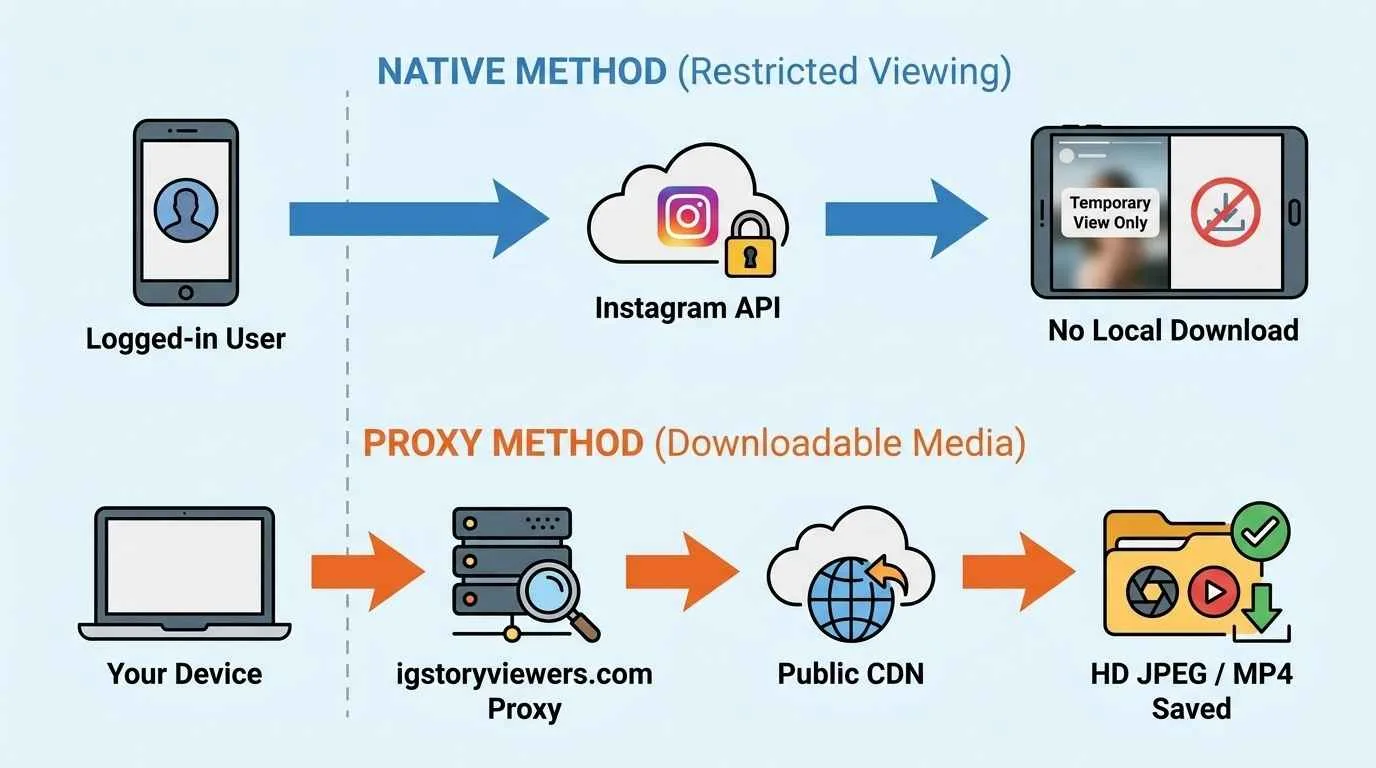
Direct Public CDN Fetching:
Our cloud servers communicate directly with Instagram's public Content Delivery Network (CDN) to isolate raw media files.
Token-Free Processing:
Because our system operates without requiring an active user session token, Meta never associates the file download with your personal Instagram account.
Original Quality Preservation:
Our extraction engine bypasses client-side compression algorithms, preserving native 1080p picture clarity and original video bitrates.
Key Features of Our IG Story Saver:
Our ig story saver offers advanced downloading features designed for speed, privacy, and media fidelity.
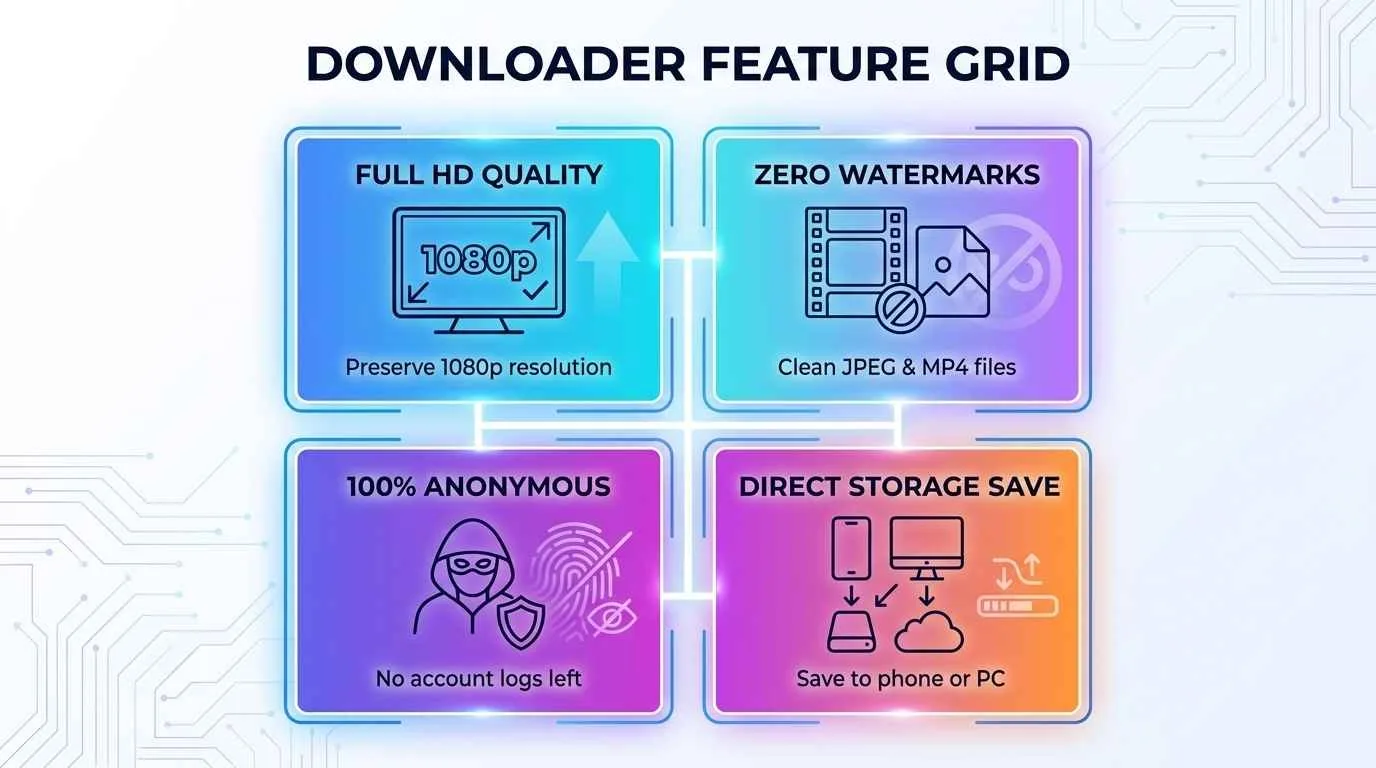
High-Definition Downloads:
Extract full-resolution JPEG images and 1080p MP4 videos without quality degradation.
Watermark-Free Video Files:
Save clean media files without unwanted branding overlays or third-party logos.
No Registration Required:
Download media instantly without inputting passwords, emails, or personal details.
Bulk Story Extraction:
View and download multiple active stories from a single public account in seconds.
Universal Browser Support:
Download media seamlessly on iOS Safari, Android Chrome, Windows, and Mac systems.
Core Capabilities That Define Our Story Saving Utility:
Engineered for performance, our web application merges rapid media processing with strict data security standards to deliver an exceptional user experience across all devices.
Free Unlimited Access:
Download as many public stories as you need without encountering hidden subscription fees, usage caps, or forced trial periods.
Zero Account Authentication:
Protect your personal digital footprint by saving public content anonymously without ever logging into an active Instagram account.
Original 1080p Resolution:
Extract video files and image slides in their pristine source quality, avoiding the aggressive compression artifacts typical of mobile screen-recording.
Unbranded Clean Files:
Enjoy pure, unwatermarked MP4 and JPEG files ready for personal archiving, creative inspiration, or offline review.
Universal Cross-Platform Compatibility:
Access the tool seamlessly through Safari on iOS, Chrome on Android, or desktop browsers on Windows and macOS without installing bulky applications.
Practical Scenarios: When You Need to Archive IG Stories
There are numerous legitimate and everyday situations where preserving a temporary Instagram story to your local storage proves essential:
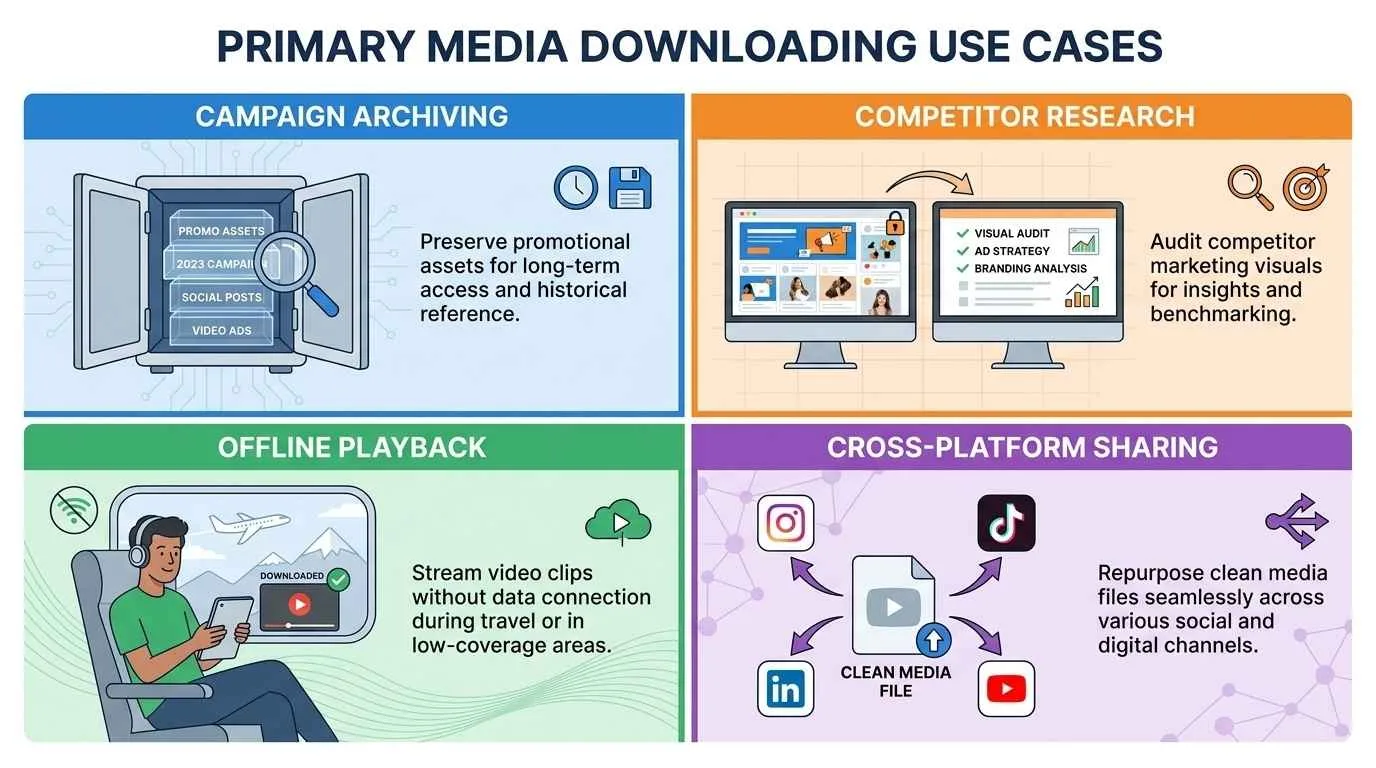
Saving Fleeting Memories:
Capture spontaneous moments, travel logs, and announcements shared by friends or public icons before the 24-hour clock runs out.
Offline Research & Tutorials:
Educational accounts frequently use stories to share quick tips, recipes, or DIY steps. Archiving them lets you study or follow along during flights or in areas with poor cellular connectivity.
Portfolio & Content Auditing:
Social media managers and creators can back up their own active daily stories for analytics tracking, cross-platform repurposing, or long-term digital portfolio curation.
A Simple 4-Stage Workflow to Extract Stories:
4-Step Instagram Stories Downloading Process:
Saving public Instagram stories to your phone or desktop takes just four simple steps.
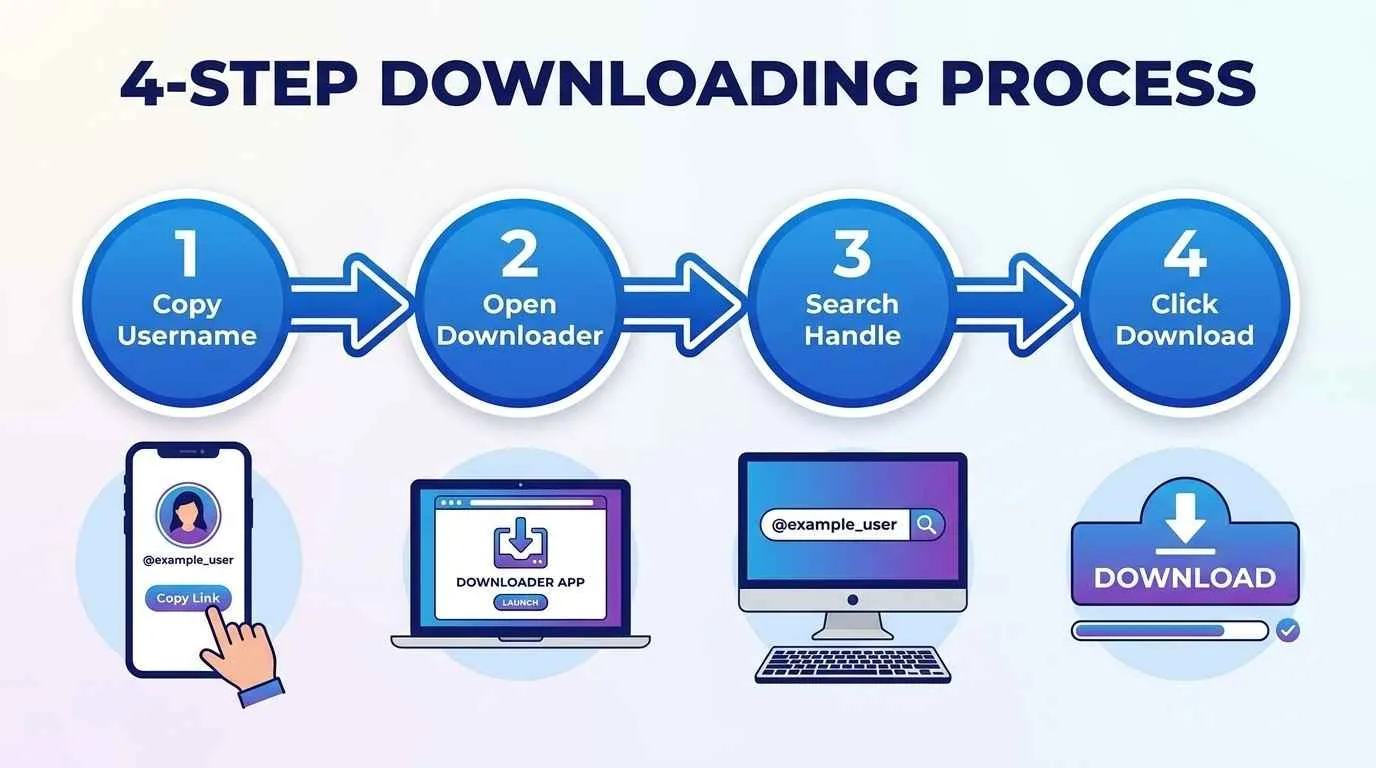
Copy the Target Handle or URL:
Copy the public Instagram username (e.g., @username) or direct story URL.
Open the Tool:
Navigate to igstoryviewers.com/story-viewer/download in your web browser.
Paste & Search:
Input the username into our search bar and click the Search button.
Download Media:
Preview active stories and click the Download button beneath any photo or video to save it in HD format.
Expanding Your Social Media Toolkit:
Complete your media management workflow with our family of connected, high-performance web utilities:
Anonymous Instagram Story Viewer: Watch 24-hour stories discreetly without triggering creator view metrics.
Anonymous Instagram Profile Viewer: Inspect public bios, follower counts, and full-size display pictures securely.
Instagram Highlights Downloader: Save permanent profile highlight collections in high definition.
Instagram Post Downloader: Extract grid photography and multi-slide carousel albums instantly.
Data Security Protocols & Ethical Boundaries
We maintain strict compliance with web architecture standards and user privacy policies.
Public vs. Private Profile Limitations
Our downloader fetches content strictly from public Instagram profiles. If an account uses Private settings, Meta restricts media behind user authentication locks. We respect platform boundaries and do not bypass private security controls.
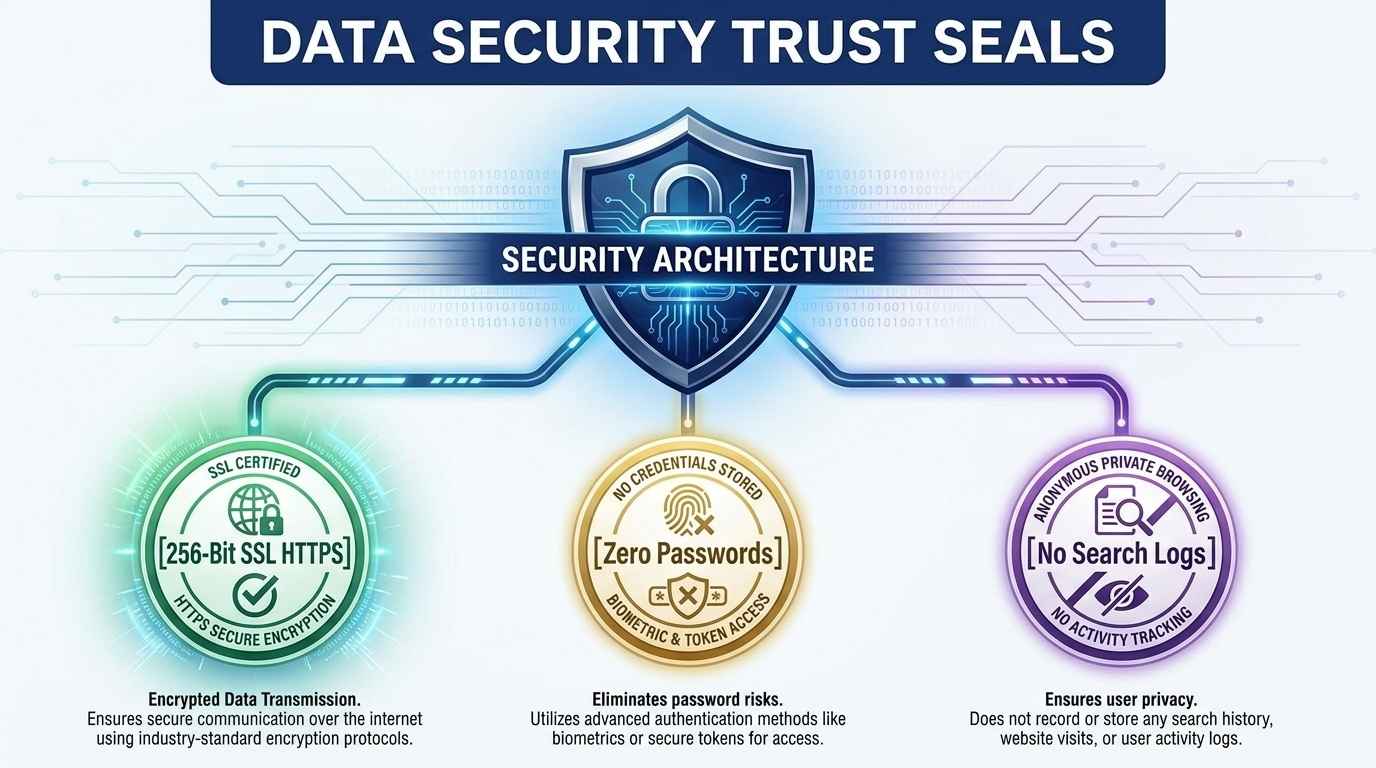
Safe Browsing Protocols
Zero Credential Requests:
We never ask for your Instagram password, phone number, or login credentials.
256-Bit SSL Encryption:
HTTPS protocols secure your network connection against interception.
Zero Search Logging:
Our servers clear search queries automatically to guarantee user privacy.
Frequently Addressed Questions (FAQs)
Can I download stories from private accounts?
No. Legitimate utilities respect user privacy boundaries. Private accounts protect their stories behind strict follower approval walls that cannot be accessed externally.
Do I need to install a browser extension or mobile app?
No. Our tool is 100% web-based and functions directly inside your browser, keeping your device free from cluttering APK files or untrusted extensions.
Will my downloaded video files contain watermarks?
Never. Our system pulls media streams straight from source CDNs in pristine high-definition quality without adding platform branding or overlays.
Is it legal to download public Instagram stories?
Downloading public media strictly for personal archiving, offline viewing, or inspirational reference is widely accepted. Always respect copyright laws and creator ownership if you intend to redistribute external content.
Anonymous IG Story Viewer: The Ultimate Privacy & Downloader Guide
Keep reading
How to view instagram stories anonymously Without an Account (2026 Guide)
Instagram records every story view — and the account owner sees your name instantly. You open the app, tap a story, and there you are in their viewer list. It's a small thing, but it comes with fricti
Instagram Post Downloader - Save IG Posts & Carousels in HD
Instagram feed posts, carousel albums, and single-image uploads contain some of the most engaging visual content on the internet. Whether you are preserving inspirational artwork or archiving marketin
Instagram Highlights Downloader: Save IG Highlights & Stories in HD
Instagram Highlights are among the most valuable features on the platform for creators, influencers, brands, and everyday users. Unlike standard 24-hour Stories that vanish automatically, Highlights r